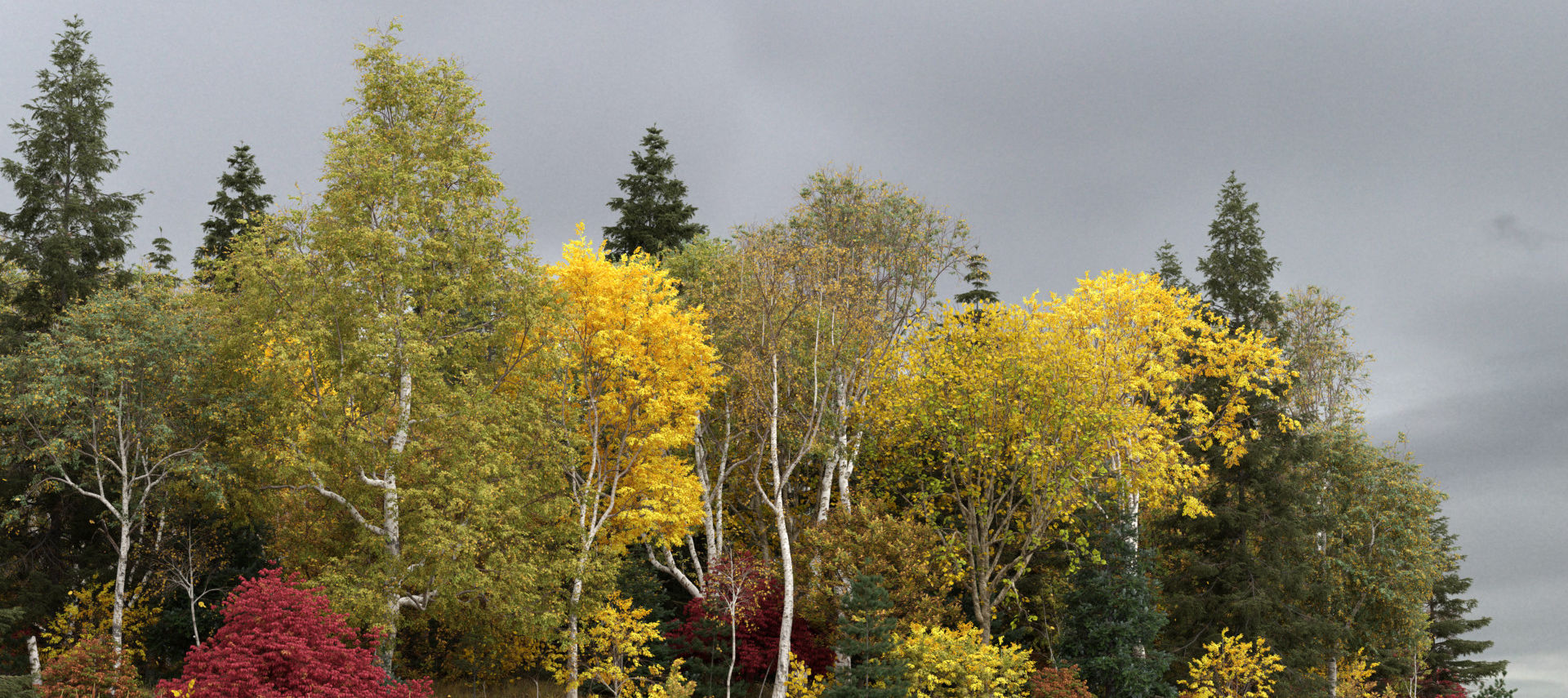
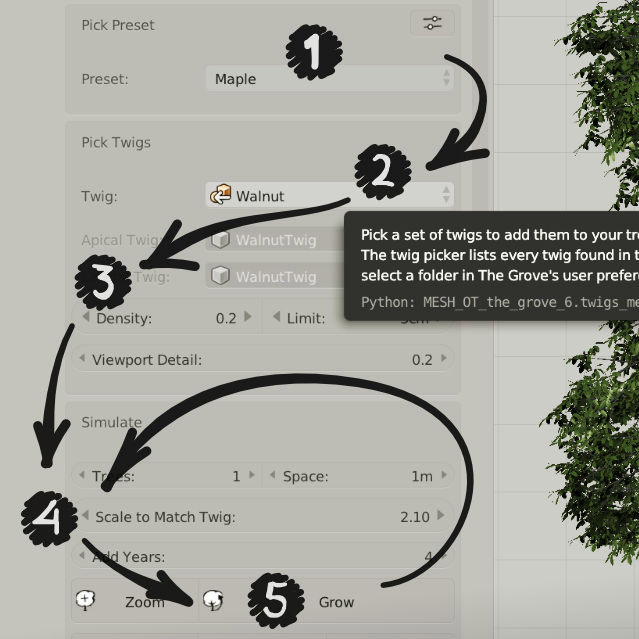
Let’s get started. If you haven’t already, get The Grove 3D tree growing software. Download it to wherever you like and follow the Install instructions. When you’re all set up, get growing with the Quick Start tutorial.
Use The Grove’s twigs, create your own, or even distribute simple leaves. Learn more on Creating and Using Twigs.
The Grove plays well with others. Best of all, The Grove’s unique twig system works great in other 3D software. Cinema 4D, LightWave, Modo and 3ds Max all support this system with minimal effort.
If you run into something, the Frequently Asked Questions may well keep you growing.
Learn
Master growing virtual trees by learning the inner workings of their real world counterparts. When using presets, growing 3D trees has never been easier and you’ll have results within minutes. If you’re ready to dive in deeper, this is the place to start reading. Trees have evolved to fascinating organisms that have some neat tricks up their sleeves.
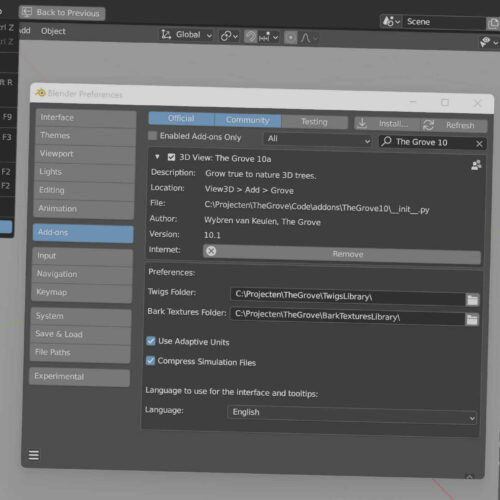
Install
Guide to install the add-on in Blender and where to put twigs and textures.
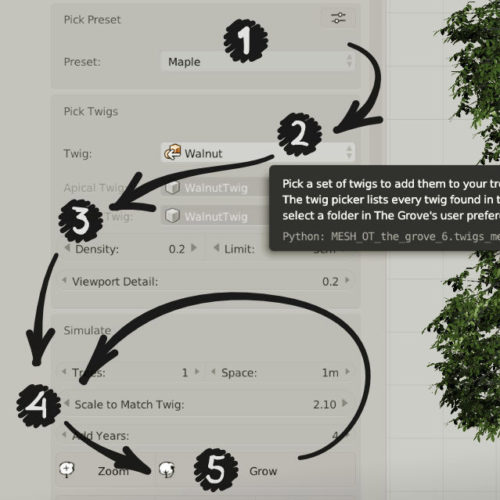
Quick start
A brief overview of how to grow your first trees, and how to shape them.

Technical overview
The simulation runs in the core module, which has no UI. The add-ons create the interactive experience.

Frequently asked questions
Find answers to the most common questions.

How to use twigs
Twigs are small branches that use regular 3D geometry to represent leaves, flowers and fruit. You can model them to any level of detail, or purchase The Grove’s handmade twigs to get stunning results quickly.

Shade , drop and prune
As trees grow up, toward the sky, they compete with their neighbours that take away light. But the biggest competition is the very tree itself, where new leaves above shade the old underneath.

Animate growth and wind
The mesmerizing spectacle of branches dancing in the wind really brings trees to life.

Thicken and bend
Watch heavy branches bend under the weight they carry. The continuous interplay of growth and gravity is what creates some of the most beautiful tree shapes.
Favor
Favor bright over dark, and rising over dangling. Grow free to the sides, or first grow in length.
Grow
Let nature take its course and watch trees develop into beautiful shapes. Mimic any tree’s character with intuitive parameters taken straight from the woods.
Turn
While a branch is growing in length, it is searching for the best direction to grow in. There are several outside influences that cause a branch to turn to a certain direction.

React
Assign a mesh object to attract, deflect or stop and prune new growth, or to simply cast shade on the growing tree.

Build
The Grove builds high quality 3D models that are lightweight to render, thanks to its smart polygon reduction and a unique system of twigs.