


The natural way of growing 3d trees in Blender® and Houdini™.
Add living trees to your toolset in Blender® and Houdini™. The natural way of growing trees starts right here…

Together with the Grove you will grow the most natural trees you have ever seen in computer graphics - custom 3d trees that are a perfect match for every project you work on.
The Grove is trusted by artists and designers in architecture, games, animation and VFX. Its unique way of simulating trees through time makes the Grove super fast and easy to use. Then layer on lush foliage, animated wind, recorded time-lapses, skeletal rigging and rich attributes, for trees that feel truly alive.
Whether you work in Blender or Houdini, the Grove fits right into your pipeline with native add-ons crafted specifically for how you work.
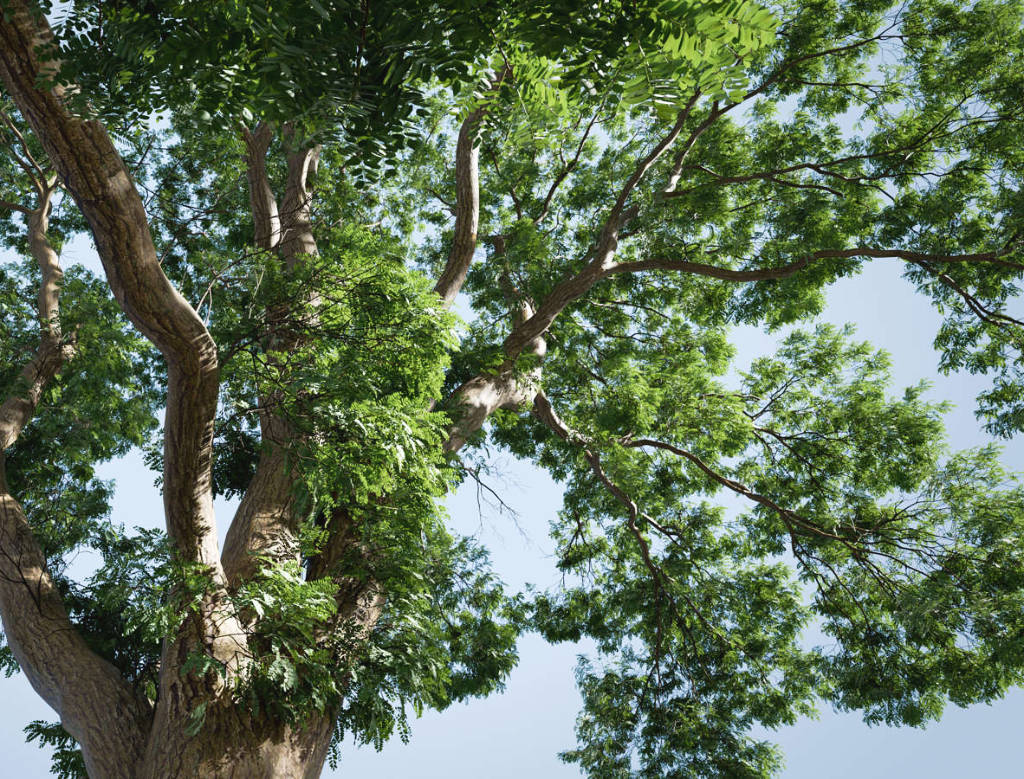
Dive in with the pruning tool to remove branches that block the view, to create space, air and neat contours. Then keep on growing.
I'll see your drawing and raise you a tree! Freely draw a curvy branch, or loosely sketch to fill a gap.
Bend any branch or even the trunk - just like in the art of bonsai, but here it is for full-grown branches, impossibly flexible and so much fun!
At its core the Grove is a full simulation of the natural processes in living trees, which react to light and gravity.
With a keen eye for improvement, meticulous research and by always staying true to nature, it has become a beautiful blend of nature and computer graphics. The Grove keeps unraveling the mysteries of how real trees grow - while taking out the technicalities - so that you can simply grow.
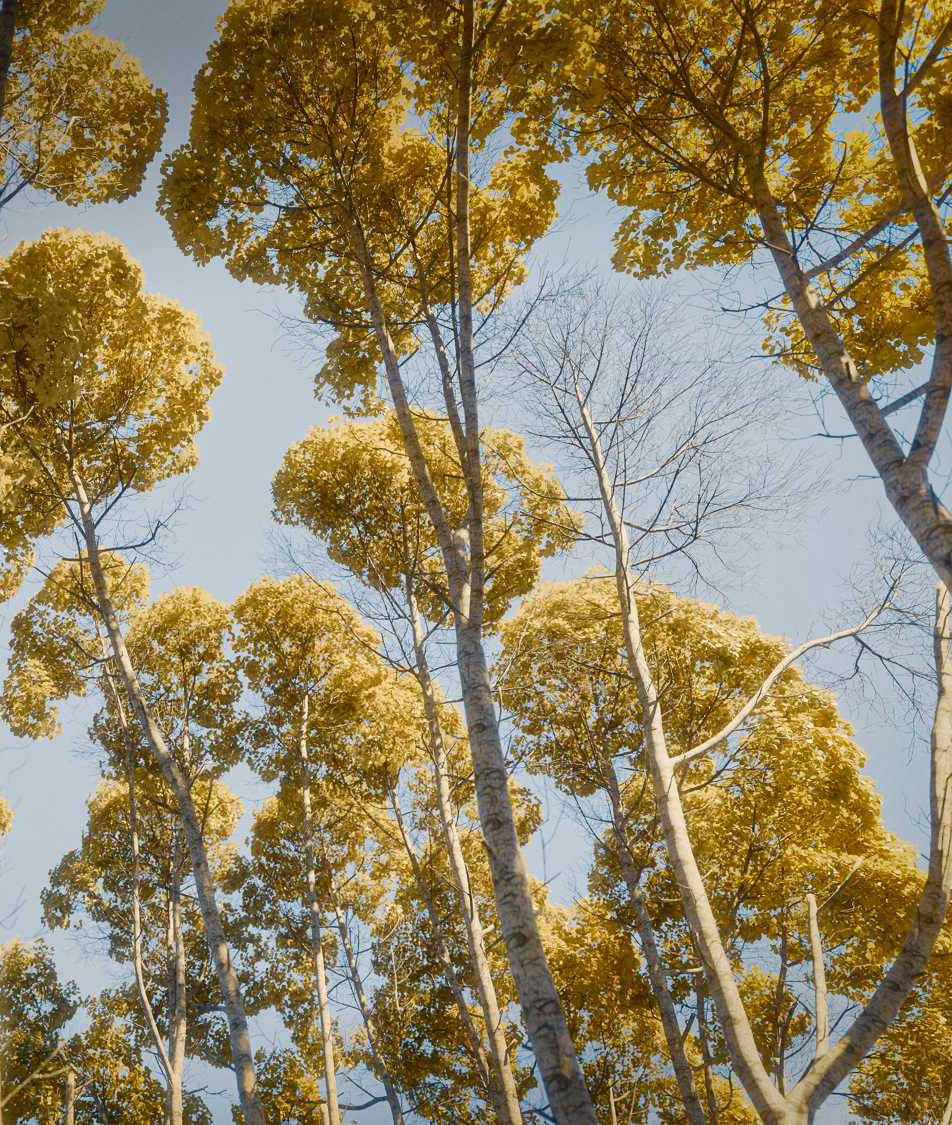
Natural parameters will guide the growth of every branch, all the way up from trunk to twig. Even the slightest change will resonate through all the tree's branches.
As trees grow tall toward the sky, they compete with their neighbors that take away light. But the biggest competition is the very tree itself, where new leaves above cast shadows over the old underneath.
Growing branches will bend over time - it's the increase in weight that keeps pulling them down. The tree reacts and keeps growing upward, creating an interplay of forces that will shape its form with each passing season.
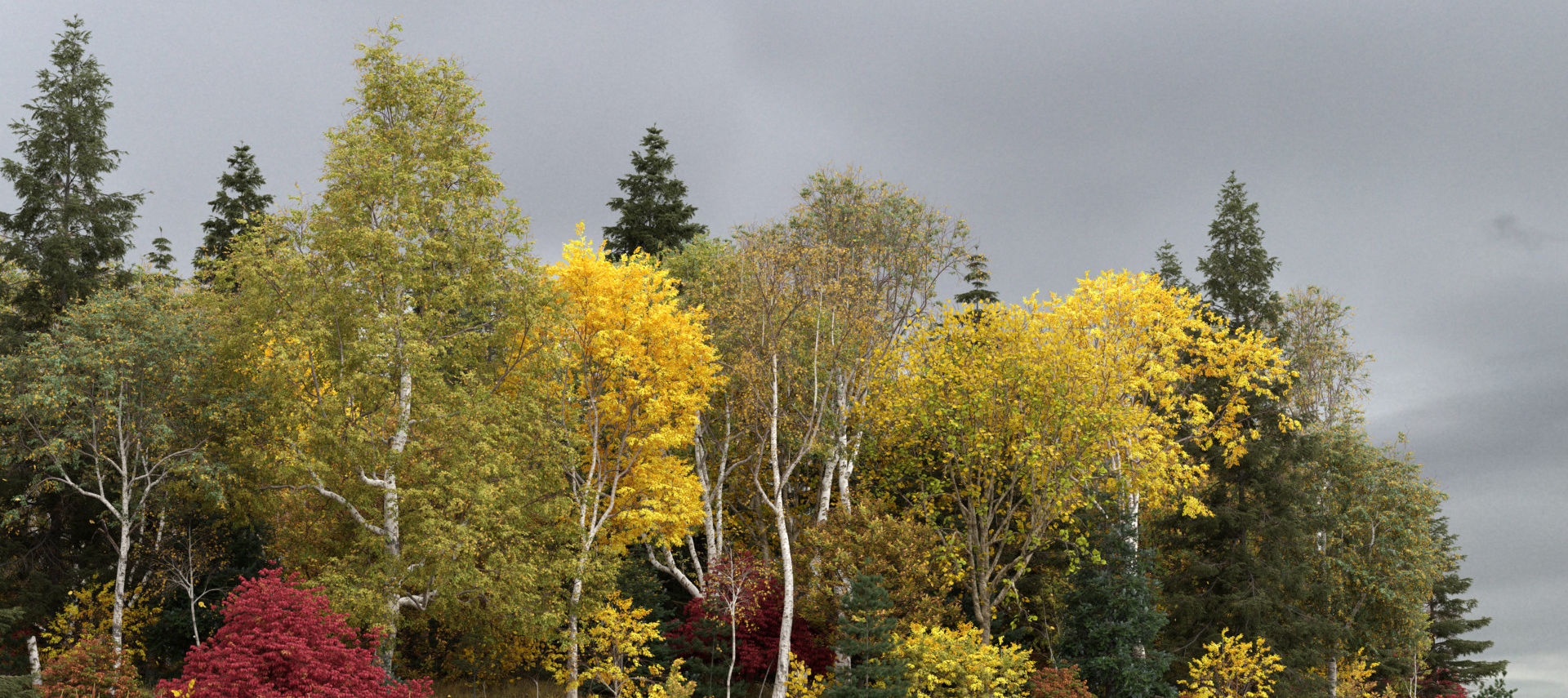
The Grove draws from a life-long passion for computer graphics, using familiar concepts like raytracing for light-to-shade calculation, and a purpose-built wire physics simulation that bends and shapes your trees throughout their life. No shortcuts taken!
Left - a mixed grove of aspen, birch, pine, oak and fir trees, by Carl Roe.
The way of growing year-by-year is a fascinating time lapse just waiting to be captured. Record it to see trees like never before - turning decades into seconds, it will change the way you look at trees.
Set up an environment to attract, deflect, or stop new branches as they grow. Avoid a building and let it cast shade. Or get creative and grow inside a shape!
Bring your 3d trees to life with mesmerizing wind. Use shape keys, bones or a slight breeze through the twigs.
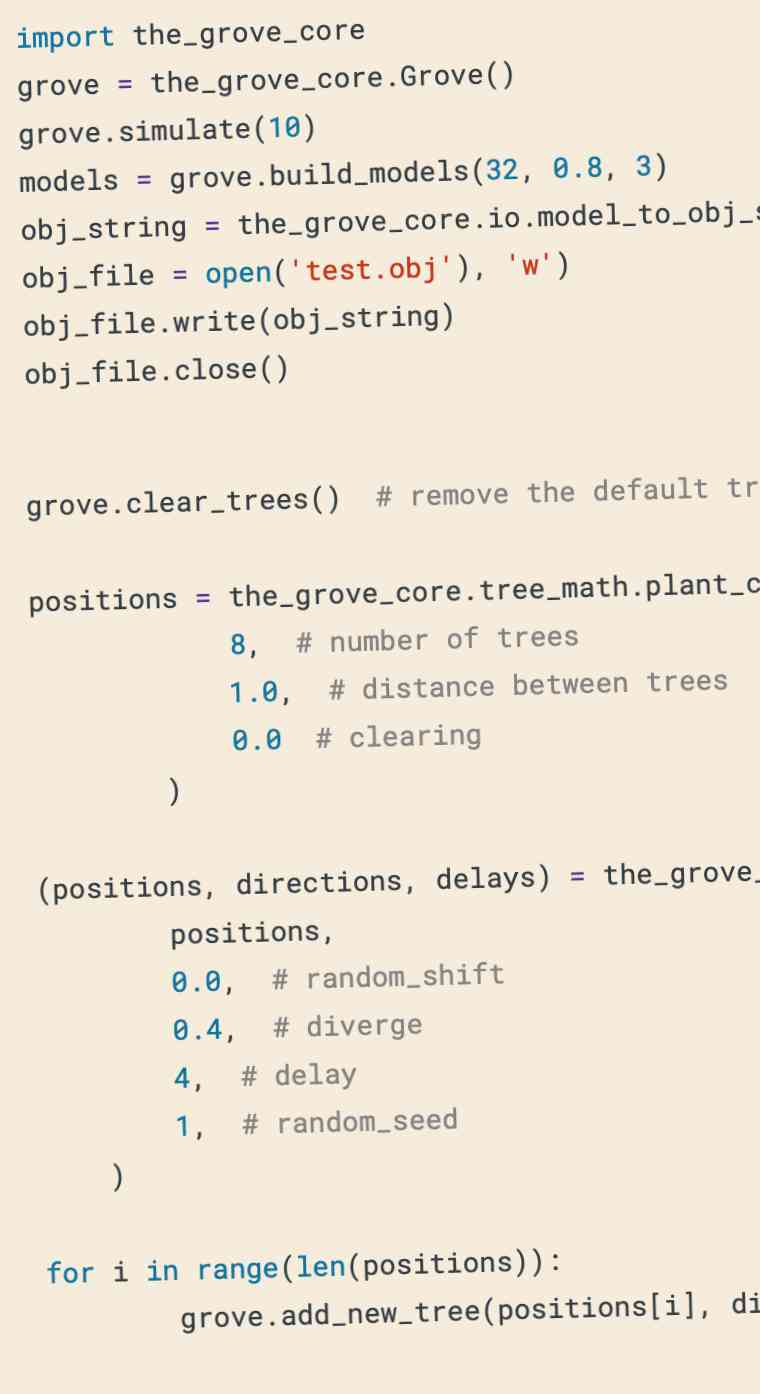
The Grove Core is a high-performance, compiled module that runs the simulation. Add-ons import this module and use its Python API.
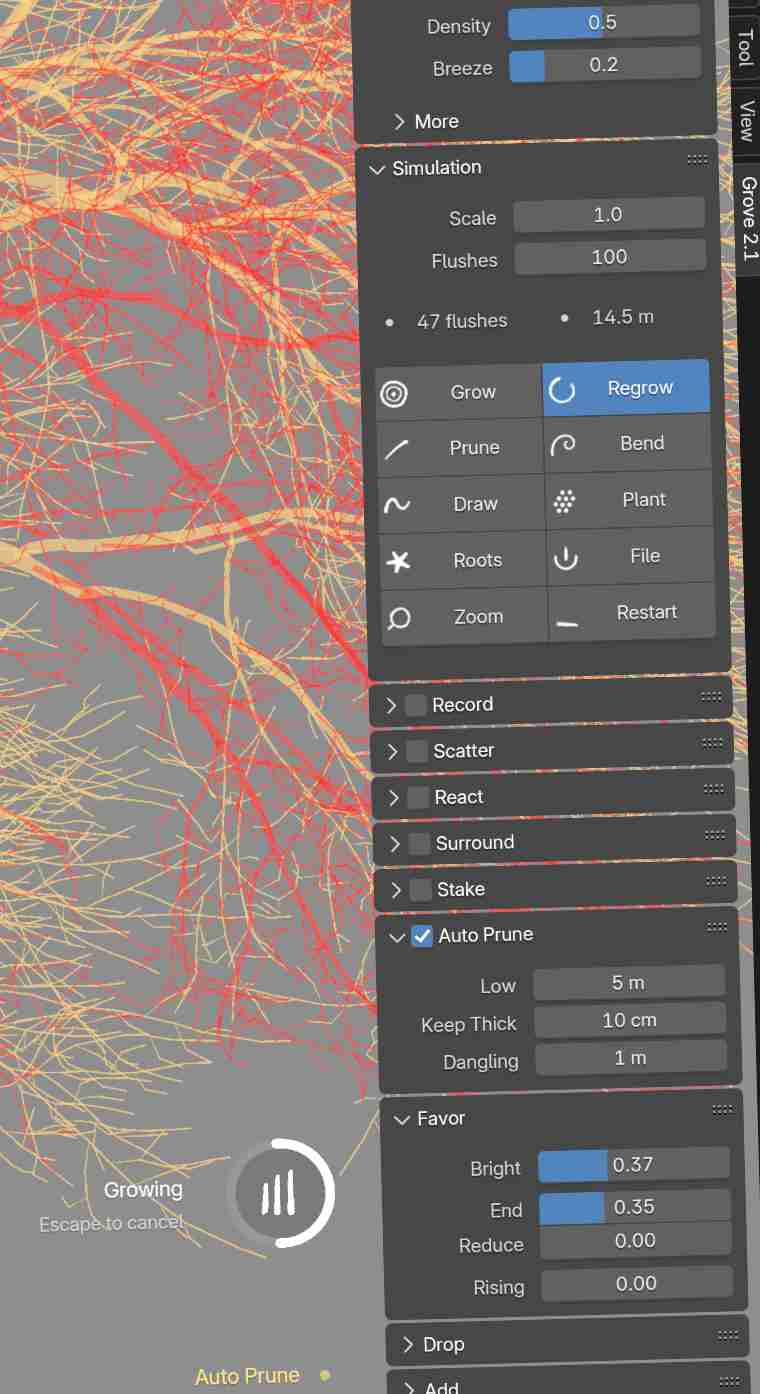
The Grove in Blender adds a polished interface and lets you interactively direct your trees with fun tools like grow, prune, bend, draw, react, wind... It's a fast and super fun user experience!
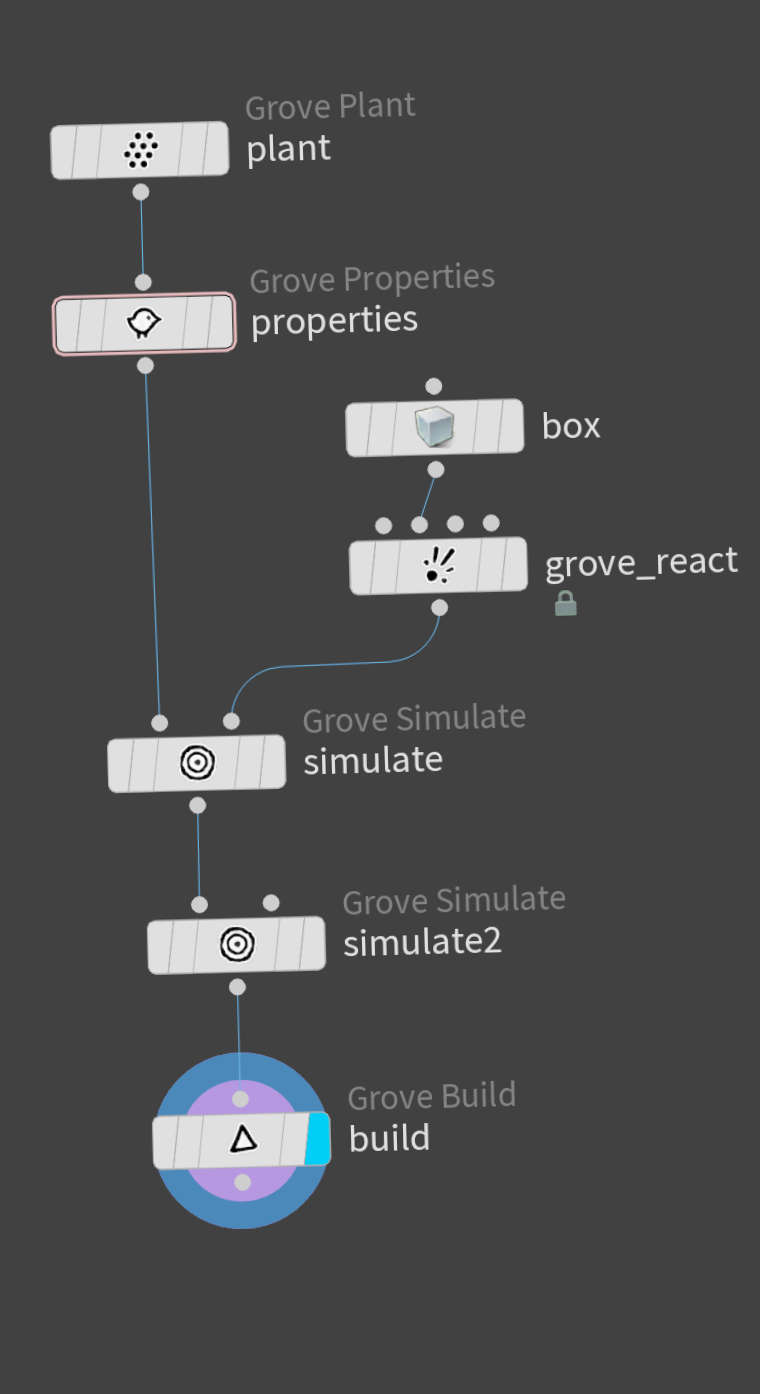
The Grove in Houdini plugs directly into the node network to grow procedural 3d trees that are ready for Houdini's dynamics. This add-on lets you experiment freely and build upon The Grove in new ways. The beta is available now with the Studio edition.
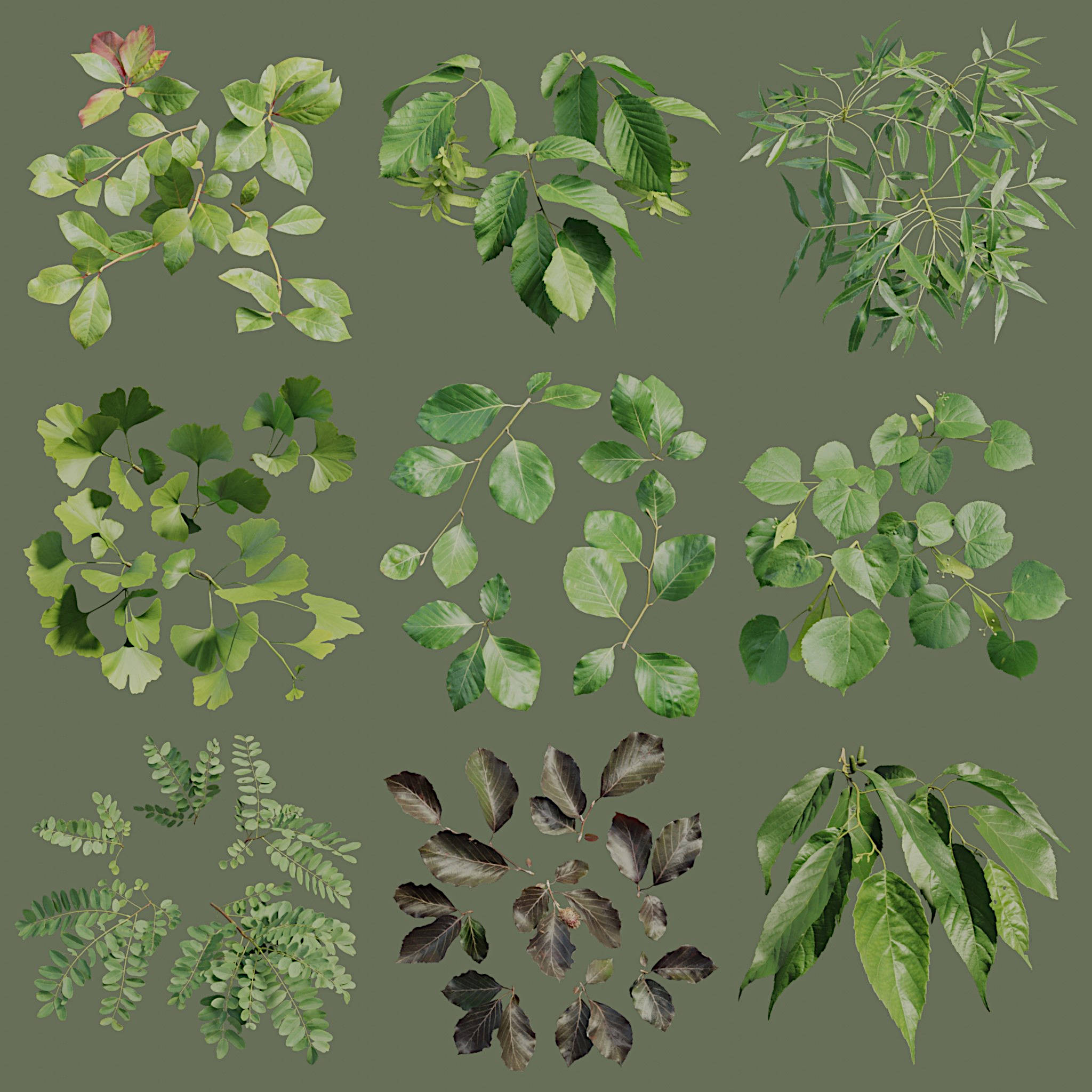
Trees in 3d are some of the most complex objects in computer graphics, with their numerous leaves, flowers and fruits - so this is where twigs take over. Twigs are small branches that use regular 3d geometry to represent the last growth of the tree.
Twig instances attach fluidly to branch ends and alongside your tree's branches, taking less GPU memory and increasing rendering performance. You can model twigs to any level of detail, or purchase the Grove's handmade twigs to get stunning results.